

System setup
We will design a sales funnel, configure fields, implement automatic touches, configure analytical reports based on your business processes.
Low-code (no-code) business solution to quickly customize applications and create software without knowledge of the code and without the participation of developers.
We will design a sales funnel, configure fields, implement automatic touches, configure analytical reports based on your business processes.

We integrate OneBox OS with the website, telephony, mail, 1C, instant messengers, social networks and other specialized services.
Custom development, team training and technical support according to the terms of the ordered services.
OneBox OS is a business application builder. What a solution includes depends on the installed apps and configuration.
OneBox OS prices ↗
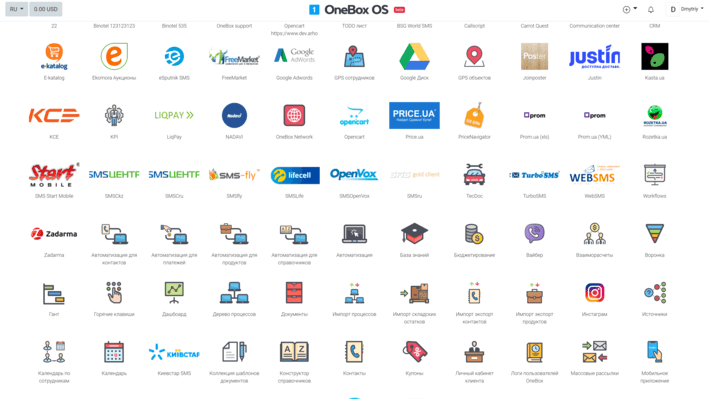
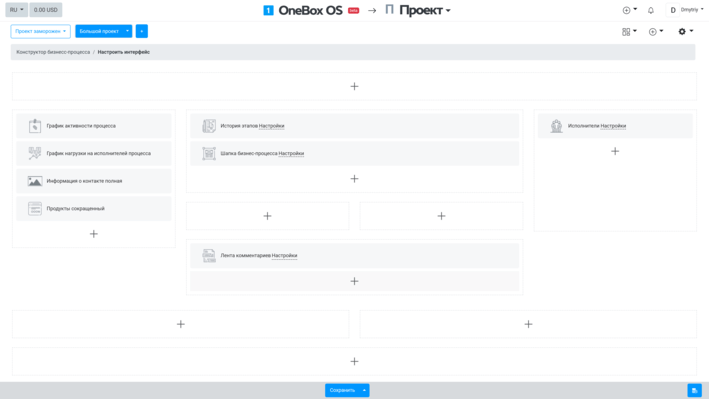
Workflows - This is a key application in OneBox, almost everything is built on the basis of Workflows business processes.

The Contacts application allows you to manage your contact databases. You can create an unlimited number of groups, contact databases, distribute contacts by groups and segments.

The application allows you to create as many virtual dashboards as you want, displaying a table, graph, chart or data from the required applications on each of them.

Electronic document base. This is a huge table-register of all documents: contracts, invoices, invoices, acts.

Application adds entity "Budget" - and you can link all payments to virtual budgets. You can create as many budgets as you like and optionally configure cash distribution automation.

Allows you to keep inventory of products. The tabular form displays information on balances by each warehouse - shows the total balance and the balance of products. The functionality allows you to set the minimum reserve for the required goods, as well as the expected arrival.
We design AI scenarios around real processes: requests, documents, tasks, sales and management data. Integrations and the level of automation are defined after analysis.
Categorising requests from email, website and messengers, a short summary of the client history and a suggested next step.
Initial scoring and routing of new leads by defined criteria, followed by a manager’s review.
Draft emails and replies based on the interaction history. An employee sends them after review.
The diagram shows a possible approach, not a ready-made universal integration. Specific AI features are confirmed during a consultation.
More about AI solutions ↗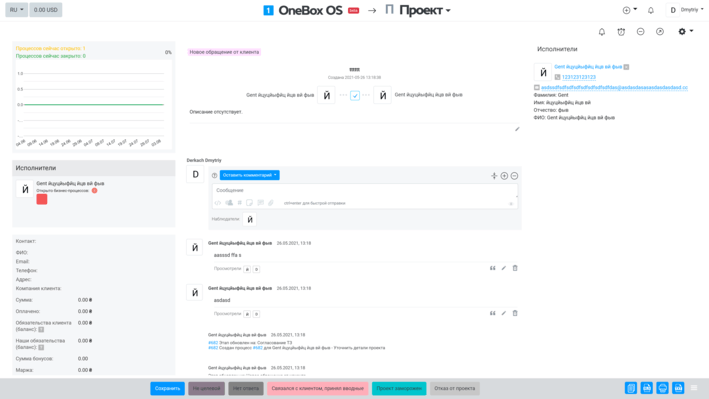
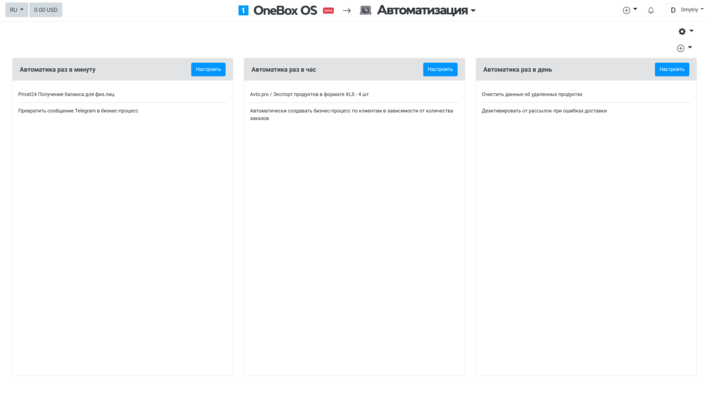
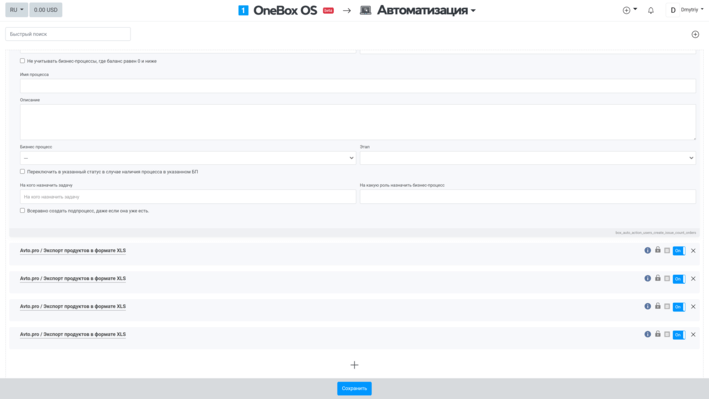
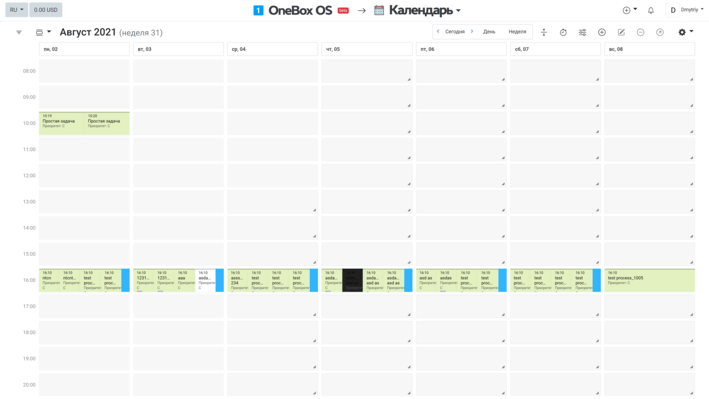
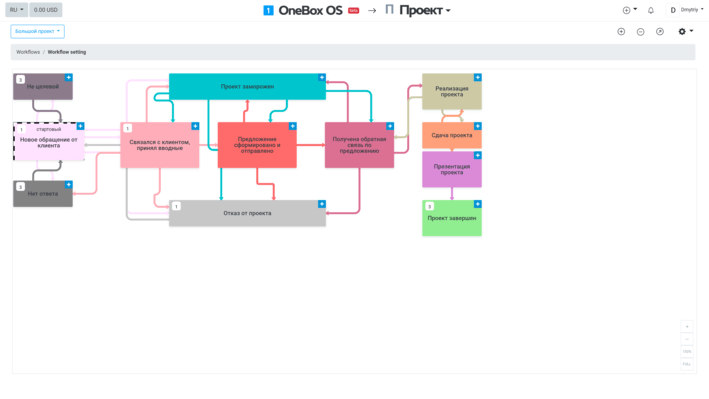
How OneBox OS is configured for specific tasks. We publish client stories only with their consent.
One contact base, funnel stages, automatic tasks and reminders, per-manager reports.
Logging requests from all channels, routing, statuses, deadline and priority control.
Payments linked to budgets, automatic allocation of funds, dashboards with management indicators.
We define goals, roles, data flows and bottlenecks.
We shape the structure of processes, access rights, accounting and integrations.
We configure the system and test the key work scenarios.
We train your team and develop the solution as the company grows.
It is a low-code/no-code platform builder. CRM, ERP scenarios, business processes, documents, finance and warehouse are configured on it. The exact solution depends on the installed apps and configuration.
Yes. OneBox OS is configured for individual processes. The scope of configuration and any custom development depend on project requirements.
Yes: with websites, IP telephony, email, messengers and other services, where a connector exists or via the API. Each integration needs a compatibility check.
The platform licence or subscription and implementation, customisation and support services may be paid for separately. Cloud and on-premise formats are available. Current terms are on the pricing and technical support pages. OneBox OS prices · OneBox OS Technical Support
Tell us about your processes and we will start with the solution architecture.
 OneBoxCorp
Implementation, configuration and development of business systems on OneBox OS: CRM, ERP, BPM, integrations and AI scenarios.